Click Trading > API Solutions from the menu on our website, and then click the More Info button under IB API.
Click the API Software button.
Click I Agree on the API Software License page.
Click the button that corresponds to the API version you want to download (production or beta versions for Windows or Mac).
Follow the instructions provided with the installation.
After the installation process is finished, there will be two directories in the API’s
installation folder:
source - Contains all the source files for the API client libraries.
samples - Contains all sample code demonstrating how to use the API.
C# API Source Code
As of API Version 9.72, the source/csharpclient directory contains two different projects:
client/CSharpAPI – The C# API library.
activex/TWSLib – An ActiveX control encapsulating the C# API.
This guide uses only the C# API library and the samples developed around it.
C# API Sample Code
To help you become familiar with our programming interface, we have developed two different sample applications based on the exact same API:
IBSamples - A minimalistic console based sample intended to quickly show every available method which can be invoked.
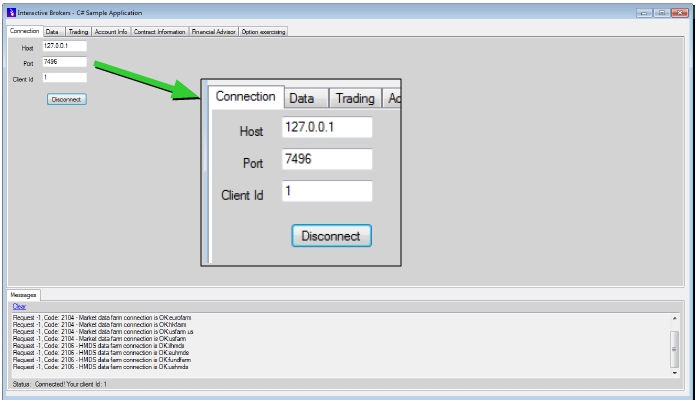
IBSampleApp - A more elaborate project consisting of a graphical user interface through which you interact with the TWS. The different features of the API are conveniently grouped according to their functionality.
This document uses IBSampleApp to demonstrate the capabilities of the TWS API.
Launch the IBSampleApp Sample Application
For the purpose of following this guide, you can easily launch the IBSampleApp sample application from your API installation folder. IBSampleApp is located in the samples/CSharp/IBSampleApp/bin/Release directory.
IBSampleApp looks like this when you first open it: